
Elevate your shipping labels with colourful brand messaging
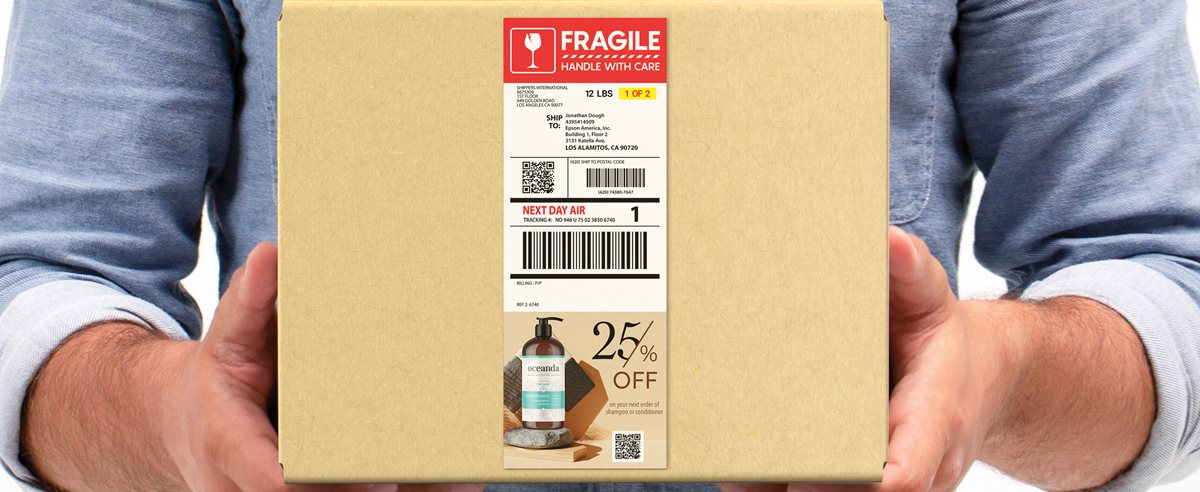
Label Boost Shipper software helps transform existing black-and-white shipping labels by adding full-colour coupons, targeted ads and secondary labels such as regulatory or shipping-and-handling labels.
Software download available
Download the Label Boost Shipper software trial when you are ready to test the workflow. A compatible Windows PC, internet connection for software download and supported Epson ColorWorks printer are required.
See Label Boost Shipper in action
Watch how Label Boost Shipper can add colour, promotional content and important shipping information to labels while supporting existing shipping workflows.
Shipping labels, reimagined
With Label Boost Shipper and Epson ColorWorks, businesses can transform black-and-white shipping labels into full-colour marketing tools.
The software can help grow customer engagement, reduce material and labour costs, and streamline shipping operations by adding colourful messaging and integrated secondary label content to existing labels.
Elevate your brand
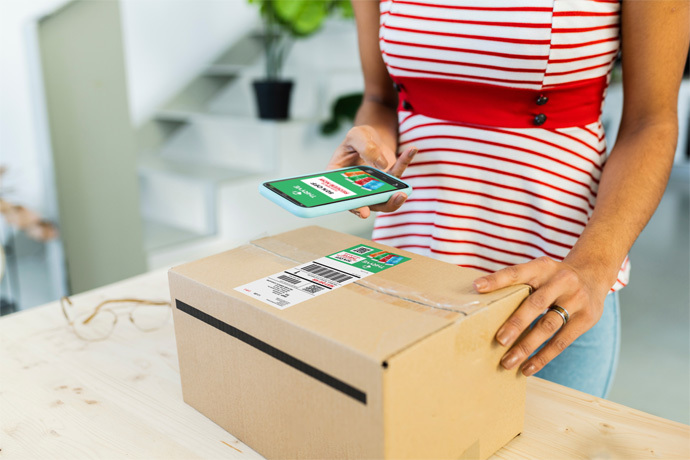
Add promotions, product announcements and cross-promotional opportunities to your shipping labels.
Reduce operational costs
For businesses adding secondary labels, Label Boost Shipper can help reduce material and labour costs.
Improve shipping accuracy
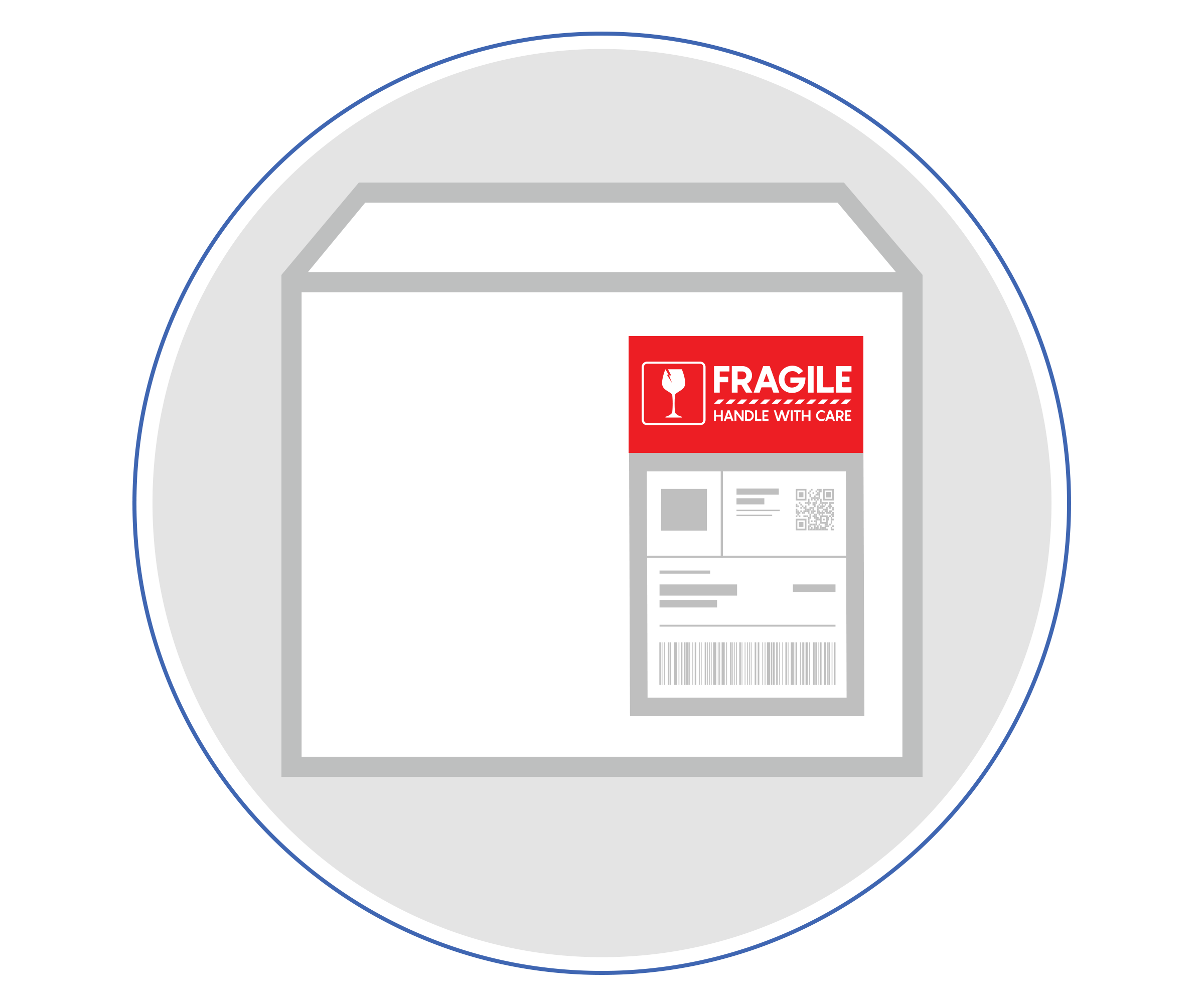
Highlight critical information on shipping labels to provide clear instructions for special or expedited processing.
Dynamic content
Automatically choose messaging based on the customer’s location, delivery date or other key variables.
No-code integration
Designed to fit easily within existing workflows and compatible with ZPL-driven software used by many national couriers.
No recurring software fees
Epson positions Label Boost Shipper as a software solution businesses can own with confidence.
Designed for hassle-free deployment
Label Boost Shipper allows the bulk of the label creation process to remain the same. It modifies the existing label at the very last step before printing, helping delivery operations continue running smoothly.
- Works alongside existing shipping software
- Modifies the existing label at the final step before printing
- Adds full-colour coupons and targeted ads
- Adds secondary labels such as regulatory or shipping-and-handling labels
- Highlights critical information such as parcel count or expedited shipping
A simple four-step shipping label workflow
Label Boost Shipper provides an easy-to-use integration with Epson ColorWorks printers and an existing Windows-based label printing workflow. It customizes label output based on shipping label details.
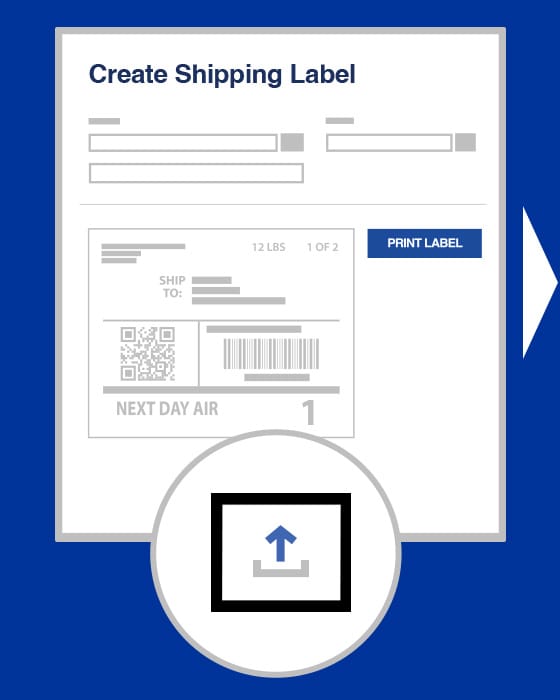
Create the shipping label
Start with the normal shipping label creation process in your existing workflow.
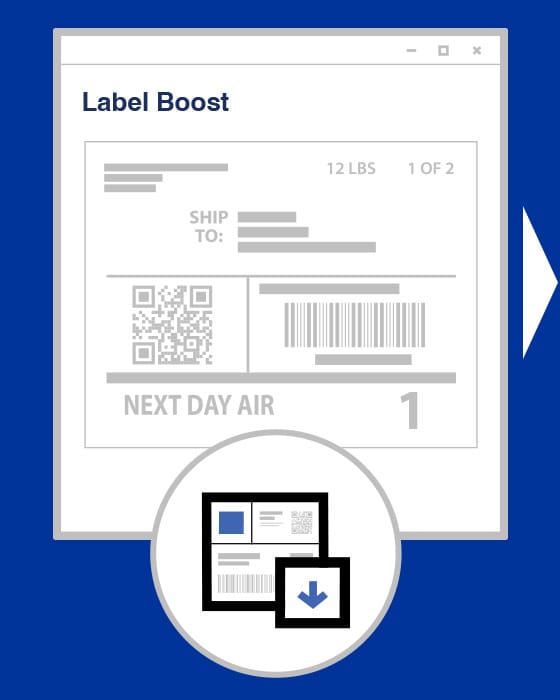
Send a print job
The print job is sent through the Windows-based label printing workflow.
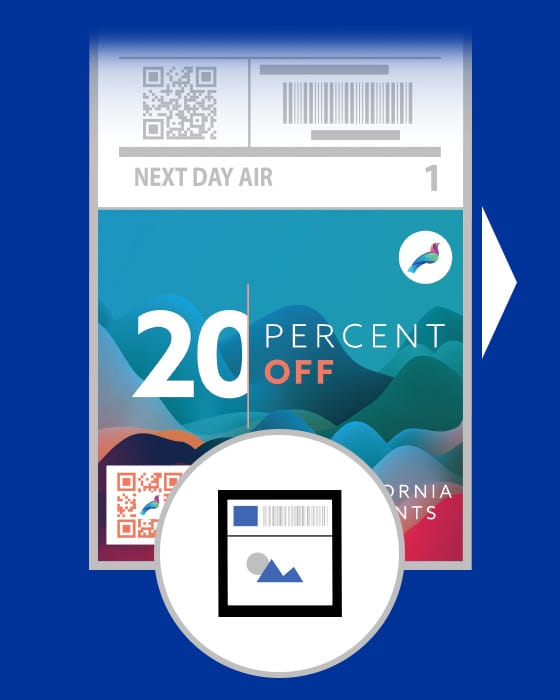
Software intercepts the job
Label Boost Shipper intercepts the print job and adds the configured colour content.
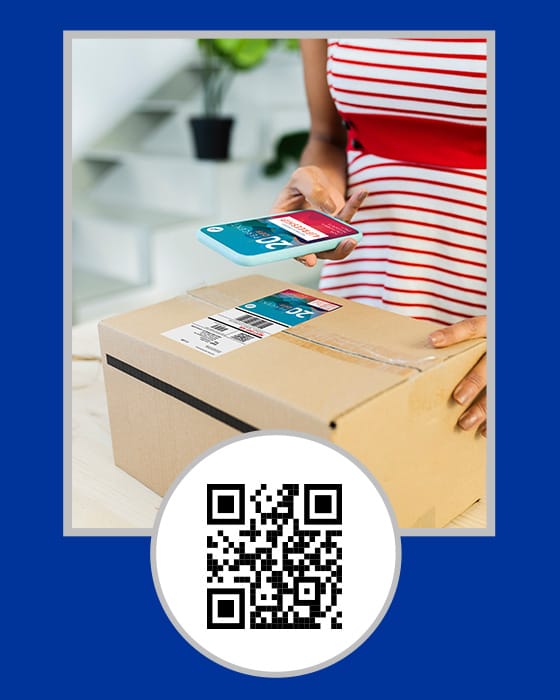
Print and apply
The enhanced shipping label is printed with the added messaging, imagery or QR code content.
Control the message without overwhelming the process
Label Boost Shipper can help capture attention with colourized deals, impactful images, QR codes and special promotions while keeping the core shipping information in place.

Customize by date
Print specific labels for promotions, coupons or advertisements based on dedicated holidays or sales.

Customize by location
Include important regulatory or state-specific information depending on shipping destination.

Customize by phrase
Use colour in shipping labels to call out delivery urgency, such as overnight shipping, and help drive handling accuracy.
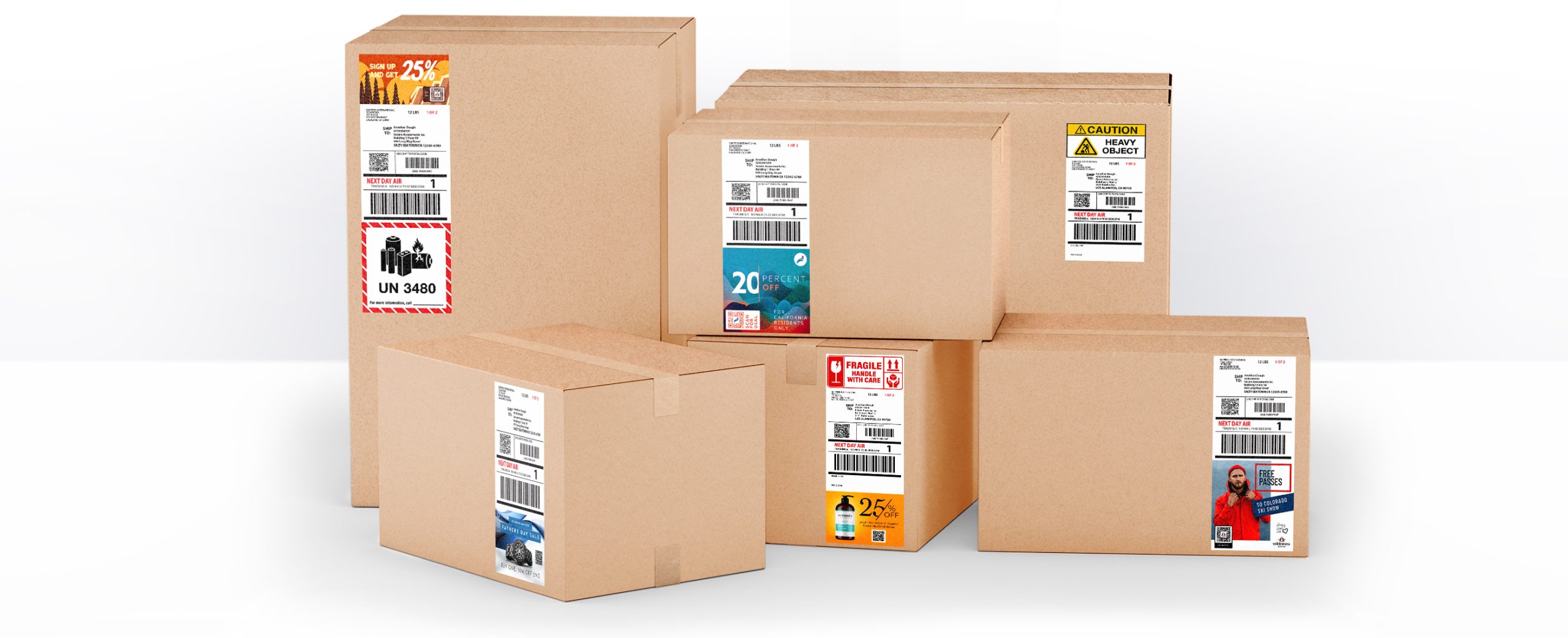
Full-colour label impact
Add coupons, ads, cross-promotion and more to shipping labels while keeping delivery information visible.
Built for sales, shipping and fulfilment teams
The Label Boost Shipper workflow supports practical value for retailers, manufacturers, warehouses and fulfilment centres, where shipping labels can support marketing, compliance and operational clarity.
For retailers and manufacturers
Boost engagement with eye-catching ads and coupons, reduce the hassle and cost of marketing inserts or secondary labels, and improve logistics with on-label instructions.
For warehouses and fulfilment centres
Reduce material cost for regulatory labelling, reduce labour costs linked to coupon or flyer inserts, and provide promotional material directly on the label.
Sales and marketing support
Use shipping labels to support promotional offers, brand recognition, product announcements and customer engagement.
Process improvement
Highlight special handling, returned items, urgent items and other shipping details that need clear visibility.
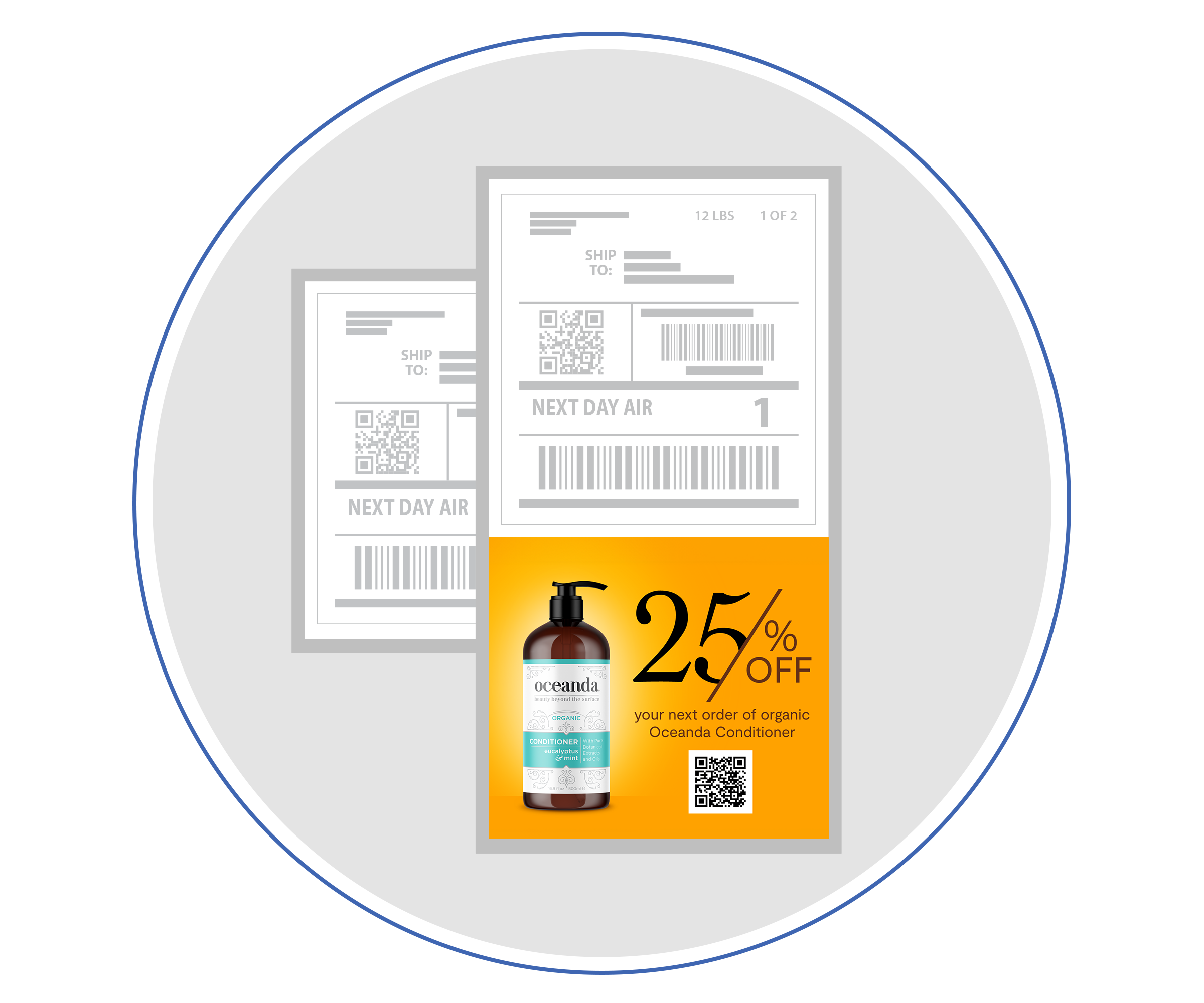
Turn shipping labels into practical customer touchpoints
Label Boost Shipper supports businesses that want to use shipping labels for more than delivery details. It can add colourful promotional content, integrated secondary label information and important shipping instructions directly onto the label.
Promotional messaging
Add colourful coupons, targeted ads, product announcements and cross-promotional opportunities to shipping labels.
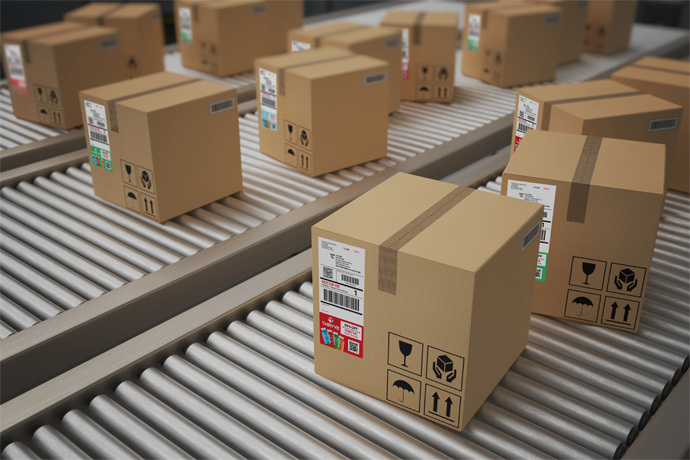
Operational visibility
Highlight critical information for packages that need special handling, expedited processing or clearer shipping instructions.
Compatible with supported ColorWorks printers
Label Boost Shipper software is compatible with Epson CW-C4000, CW-C6000 and CW-C6500 Series printers.
A compatible PC and supported ColorWorks printer are required. The software is designed to work with existing shipping software and ZPL-driven workflows used by many national couriers.
Epson’s Label Boost information also notes compatibility with the CW-D3800 series. Availability may vary by region, so Intellistor can help confirm the correct local printer option for your setup.
Match the software to the right printer workflow
Epson ColorWorks printers can be matched to different workflow needs, from low-to-mid-volume compact printing through to mid/high-volume cutter or peeler models and high-volume batch printing.
Low to mid-volume compact printer
4-inch CW-C4000.
Mid to high-volume with auto cutter
4-inch CW-C6000A and 8-inch CW-C6500A.
Mid to high-volume with auto peeler
4-inch CW-C6000P and 8-inch CW-C6500P.
High-volume batch printer
4-inch CW-C8000.
Label Boost Shipper product details
Epson product information lists Label Boost Shipper as model SW-LB001 and confirms that a compatible PC and supported ColorWorks printer are required.
Hard Disk Space
Requires 1 GB free HDD space.
Printer Requirement
Requires a supported Epson ColorWorks printer.
Supported Printer Series
Compatible with CW-C4000, CW-C6000 and CW-C6500 Series printers. Epson’s Label Boost information also references CW-D3800 series compatibility.
Workflow Support
Designed to fit within existing workflows and compatible with ZPL-driven software used by many national couriers.
Why add colour to shipping labels?
Epson positions Label Boost Shipper as a way to help increase customer engagement while also supporting operational improvements in shipping workflows.
Customer engagement
Use the shipping label to include promotions, product announcements and cross-promotional messaging.
Secondary labels
Add regulatory or shipping-and-handling label content to help reduce separate material and labour needs.
Clear shipping instructions
Highlight critical information such as parcel count or expedited shipping to support accuracy and timeliness.
Dynamic messaging
Attach messaging based on variables such as customer location, delivery date or other key data.
Download the Label Boost Shipper trial
Use this section to give clients a clear download point without making the page confusing. The software is provided as a ZIP file for easier website download access.
Watch the Label Boost Shipper overview
This video is also available here for customers who want to revisit the product overview after reading through the page content.
Ready to boost your shipping labels?
Label Boost Shipper can add dynamic, colourful promotional content, help reduce operational costs with integrated secondary labels and highlight critical information on shipping labels. Speak to Intellistor to confirm your printer, PC and shipping workflow requirements.
